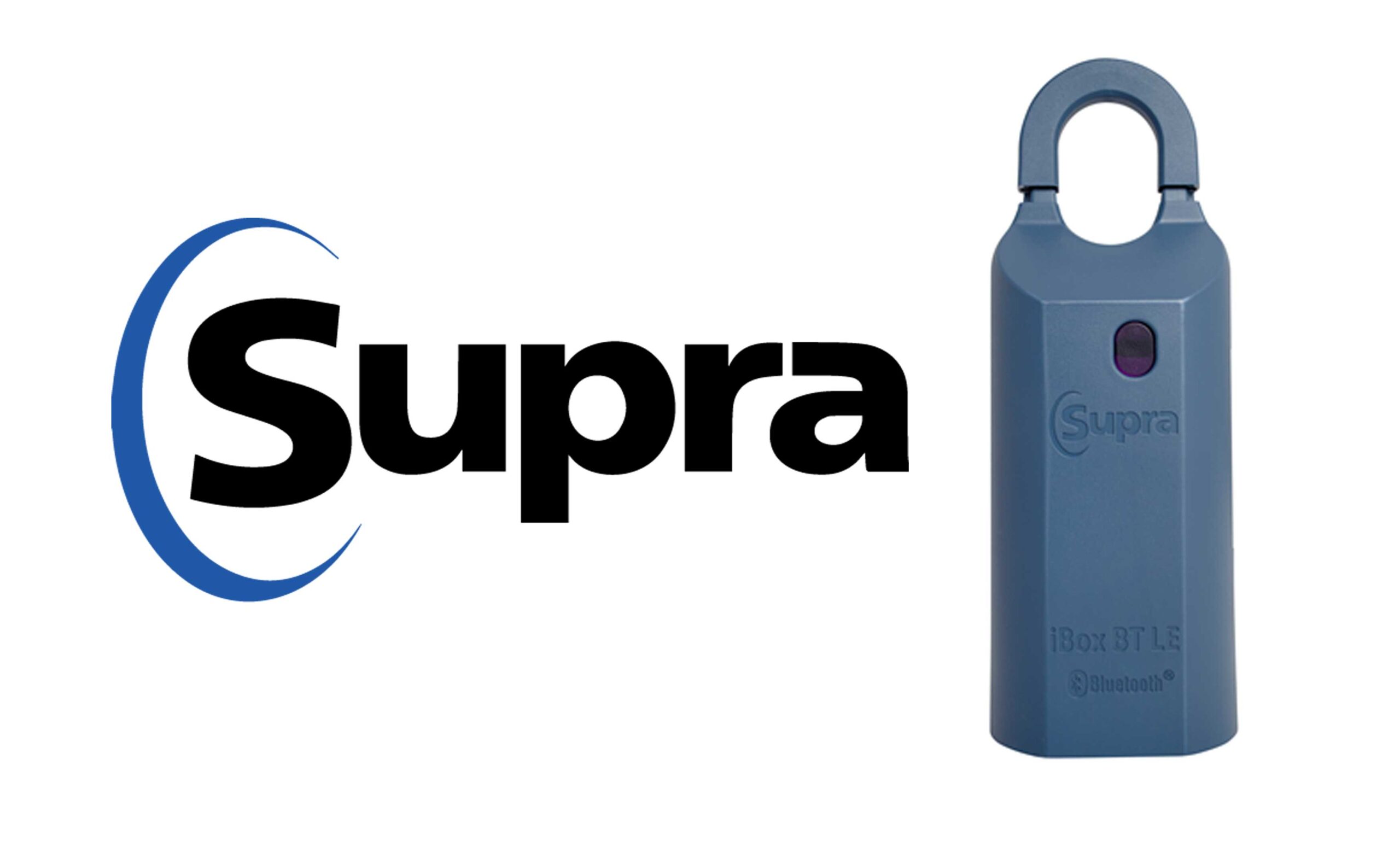
Adding a Supra keybox to a listing is easily done directly from Matrix MLS. An additional walkthrough by the California Regional MLS can be found here: https://kb.crmls.org/knowledgebase/managing-supra-keyboxes/ First, navigate to your listing in Matrix. You should see a menu like this near the top of the page: The blue symbols are lockbox functions, from left…
MLS
Matrix MLS Disclosures & Documents – TransactionDesk Only
Per Paul Brown on 4/8/24, Our MLS no longer allows the use of manually uploaded documents (pdf) for disclosures, maps, reports, etc. Instead, these must all be uploaded to TransactionDesk. This is apparently so the documents will automatically populate when another agent is generating an offer. For a refresher on how to upload these files…
Uploading MLS Documents in TransactionDesk
How to Upload documents for view in Matrix MLS (Seller Disclosures, Maps, Inspection Reports, Etc). The screens shown in this video may differ from out MLS layout, but the icons and software is the same. This video shows how to upload documents starting from your listing in Matrix MLS. Make sure to select the listing…